SharePoint · Google Drive · Nextcloud · SFTP

AI knowledge management for scattered filesYou do not have to tidy up.

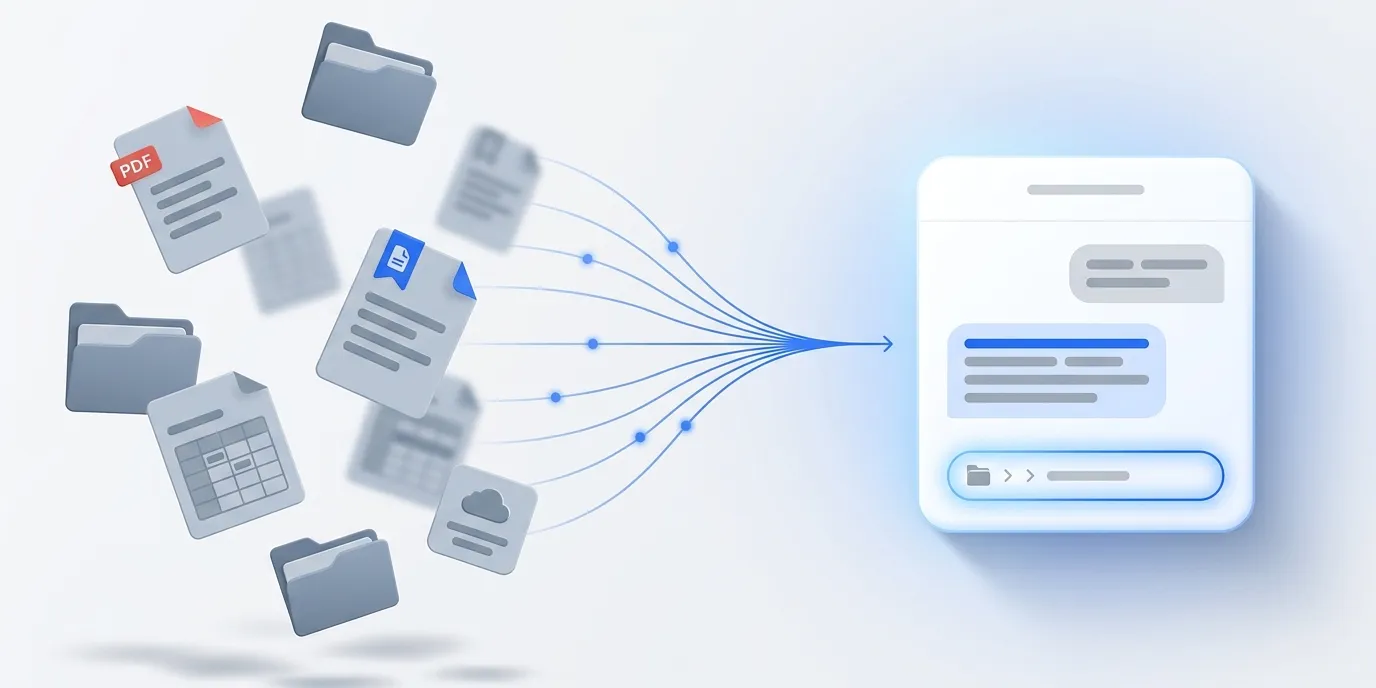
SharePoint, Google Drive, Nextcloud and network shares stay where they are. WebChatAgent indexes your folders, answers questions from them and can show the exact file location.

  • Connect a folder instead of uploading files
  • Only changed files are read again
  • Answer plus where the file sits
DPA & privacy controls Hosted in Germany Live in 10 minutes

Before / after

The knowledge is there. Nobody can find it.

Ask your team where the current travel expense policy lives. You will get three answers, two of them pointing at outdated versions. The reason is rarely laziness, it is history: every department filed things wherever it made sense at the time, and over the years four systems grew six different folder logics. Cleaning up fails because nobody has the time and everybody is afraid of deleting something important. WebChatAgent takes the other route: the bot connects to the folders as they are, reads the files and answers questions from them. Anyone who wants to know how a process works asks the bot instead of the colleague who has answered that same question three times already.

Before4 systems · 6 structures

The search starts with a guess

Is that in Teams or in Drive now?
SharePointTravel_expenses_2024_final.pdfv1
Google DriveTeam / Travel / FINAL_v3v3
Network shareZ:\Accounting\Policies\oldalt
Email attachmentTravel_expenses_new(2).docx?

Three colleagues are asked, two versions are opened and nobody is certain.

After Sources synchronized

The search ends with a file location

Where can I find the current travel expense policy?

WebChatAgent

The current policy has applied since January. Here is the approved version:

File locationSharePoint / HR / Policies / Travel_expenses_current.pdf

Last synchronized: today, 08:14

Features

How the connection works

01

Connect a folder, do not upload files

Enter the credentials for your system and pick a folder. Everything readable inside it goes into the index. New files are picked up on their own.

02

Stays current without anyone remembering

You set an interval, daily to monthly. Each run reads only what changed. Deleted files disappear from the answers.

03

Tells you where it sits

On request the bot names the folder path alongside its answer. Anyone who needs the file itself knows where to go. For public widgets this stays off.

SharePoint / HR / Policies / Travel_expenses_current.pdf

PDF, Word, Excel, CSV and text

Scanned PDFs go through text recognition, spreadsheets keep their row structure. Google Docs and Sheets are converted automatically.

What should stay out, stays out

Exclusion patterns like /Archive/** or *_internal* apply while reading. Individual files are removed from the index with one click, for good.

Read-only, encrypted, revocable any time

The connection needs read access and nothing more. Credentials are stored encrypted, processing runs in a German data centre. Revoke the share and it stops.

In daily work

Where this pays off

New colleagues

In the first weeks every other question is a search question. The bot answers them around the clock without interrupting anyone.

Support and service

Instead of hunting through three systems for the right warranty clause, the team asks the bot and gets the passage with its source.

Sales in a customer meeting

Which terms apply at this volume? The bot answers from the price list updated yesterday, not the 2024 PDF buried in someone’s inbox.

Engineering and operations

Maintenance instructions, safety data sheets, plant documentation. Everything stays where it belongs and is still one question away.

Human resources

Vacation policy, travel expenses, parental leave: the same question reaches the HR inbox for the twentieth time. The bot answers from the current version, not the PDF from two years ago.

Quality assurance

In an audit, the evidence matters as much as the answer. The bot cites the applicable procedure and tells you which folder it is stored in.

Field service

On-site with a customer, without VPN access and no time to spare: plant documentation and spare parts lists are one chat question away.

Project handover

When someone leaves the team, their knowledge remains in their folders. Once indexed, it stays searchable without needing to ask that person.

Frequently asked questions

Connect your first folder

Enter the credentials, pick a folder, done. The first indexing run finishes in minutes.