
AI Chatbot for Construction & Trades: Automate Quote Requests & Client Communication
Contractors miss calls on job sites, quote requests pile up, and clients want instant responses. Learn how AI chatbots capture leads, handle quote intake, and schedule estimates around the clock, so you never lose a job to a missed call again.
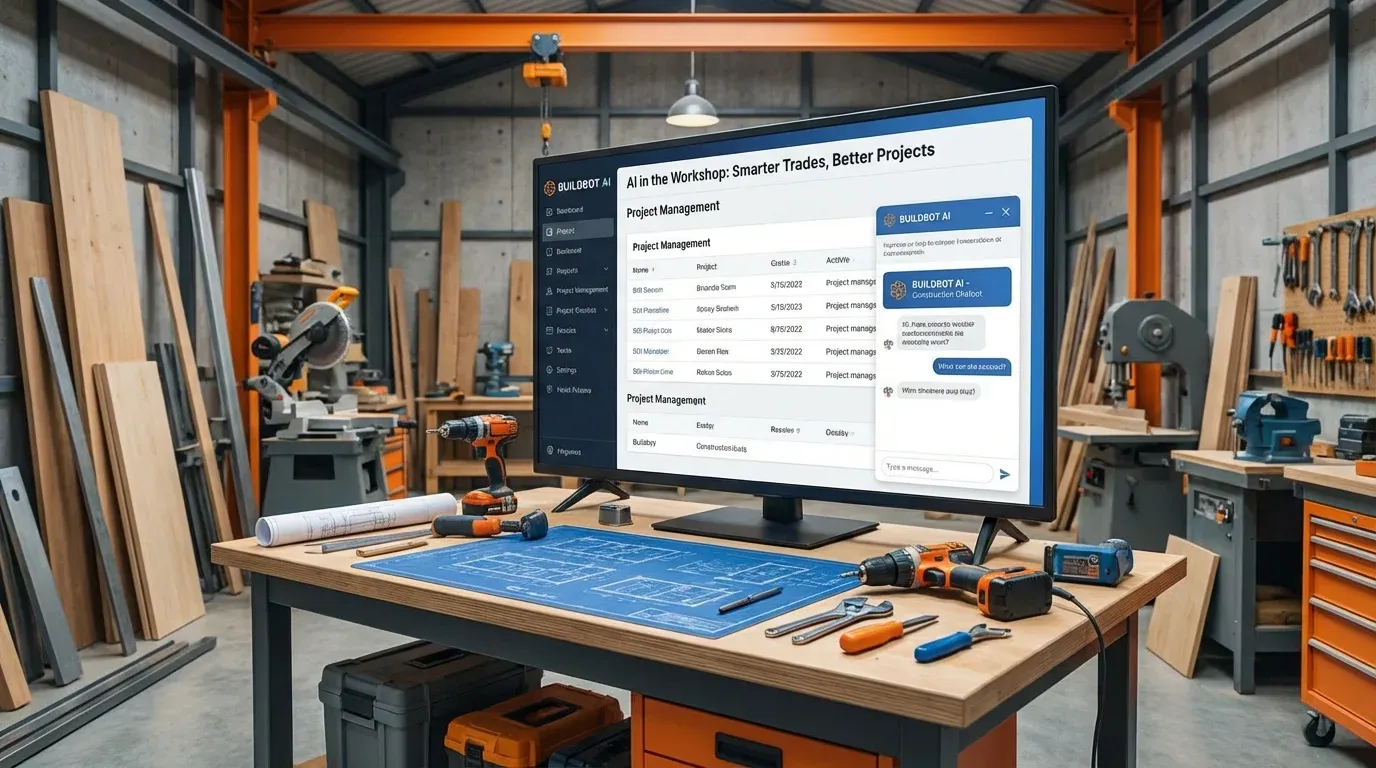
AI Chatbot for Construction & Trades
Why Construction & Trades Need AI Chatbots
A homeowner's water heater breaks on a Saturday evening. They search for a plumber, find your website, and want to know if you handle emergencies and how fast you can come out. You're on another job site with your hands full. Your phone rings, goes to voicemail. They call the next plumber on the list. That €800 emergency job, gone in 30 seconds.
Construction and skilled trades run on a fundamental problem: the people doing the work can't answer the phone. You're on a roof, under a sink, behind drywall, or driving between jobs. Every missed call is a potential project lost to a competitor who simply picked up faster.
Quote requests pile up in email inboxes over the weekend. Clients send vague messages like "How much for a new kitchen?" without any details, forcing you to play phone tag just to understand the scope. By the time you respond on Monday, they've already gotten three other quotes.
An AI chatbot changes the game. It captures project details, qualifies leads, checks your service area, and schedules estimate appointments, all while you're on the job site doing what you do best.
Key Use Cases for Construction Chatbots
Quote Request Intake
- Structured project details: "What type of work do you need?" "What's the approximate size of the area?" "Do you have a budget range?" The chatbot gathers all the info you need before you ever make a call.
- Photo collection: "Can you share a photo of the current condition?" Clients upload images directly in the chat, giving you visual context before the site visit.
- Scope clarification: "Is this new construction or renovation?" "Do you need permits?" Intelligent follow-up questions that save hours of back-and-forth.
- Instant confirmation: The client gets immediate acknowledgment with expected response time, so they know you're on it.
Service Area & Availability
No more driving 45 minutes only to realize the job is outside your zone:
- "Do you serve the Düsseldorf area?" Instant service area verification.
- "How soon can someone come for an estimate?" Real-time availability info.
- "Do you work on weekends?" Clear answers about scheduling and availability.
- "Are you licensed for electrical work?" Credential and certification details upfront.
Project FAQ Automation
- "How long does a bathroom renovation typically take?"
- "Do I need a permit for a new deck?"
- "What's included in your roofing estimate?"
- "Do you provide a warranty on your work?"
- "What payment methods do you accept?"
Appointment Scheduling for Estimates
- Calendar-integrated booking for on-site estimates
- Automatic time slot suggestions based on your real availability
- Address collection and route-optimized scheduling
- Reminder notifications to reduce no-shows
Emergency & Urgent Job Routing
- "I have a burst pipe!", instant triage and priority routing
- After-hours emergency detection with immediate phone notifications
- Severity assessment to distinguish true emergencies from standard requests
- Emergency pricing transparency and estimated arrival times
How WebChatAgent Works for Construction
Answers from Your Business Information
Upload your service descriptions, pricing guides, portfolio examples, FAQ documents, and service area details. The chatbot answers everything accurately from your own data, no generic responses.
Calendar Integration
Connect Google Calendar to enable real-time estimate scheduling, job site visit booking, and consultation appointments. Clients pick a slot, you get the notification, no phone tag required.
The Benefits: Real Impact for Contractors
Why Contractors Choose AI Chatbots
- Never miss a lead on-site: Every website visitor gets an instant response, even when you're knee-deep in a renovation. No more lost jobs from missed calls.
- 24/7 quote intake: Weekend and evening inquiries, your highest-intent leads, get captured with full project details, ready for your review on Monday morning.
- Fewer phone interruptions: Standard questions about pricing, availability, and service areas are handled automatically, letting you focus on the job at hand.
- Faster estimate scheduling: Clients book their own estimate appointments directly, eliminating days of back-and-forth phone tag.
Use Cases Across Construction Segments
General Contractors
- Full renovation project intake and scoping
- Multi-trade coordination inquiries
- Timeline and milestone expectations
- Permit and inspection process FAQ
- Portfolio and reference sharing
Electricians & Plumbers
- Emergency vs. standard job triage
- Service call pricing transparency
- Availability and response time info
- Certification and licensing details
- Maintenance plan and contract inquiries
Renovation Specialists
- Kitchen and bathroom remodel scoping
- Before/after portfolio showcase
- Material and finish option guidance
- Project duration and disruption expectations
- Financing and payment plan information
Landscaping & Exterior
- Seasonal service scheduling and pricing
- Design consultation booking
- Maintenance contract inquiries
- Hardscaping and fencing project intake
- Property size and scope assessment
Getting Started in 3 Steps
For setup, connect your service and project content, review the imported sources, test representative questions and embed the widget. The time required depends on your content and integrations.
Step 1, Upload Your Business Info
Create your free account at WebChatAgent.com and add your services, pricing guides, service areas, FAQs, and portfolio details.
Step 2, Connect Your Calendar
Integrate Google Calendar for estimate scheduling, consultation bookings, and job site visit appointments.
Step 3, Embed and Go Live
Add the widget to your homepage, services page, and contact page. Set a trigger: "Need a quote? Describe your project and I'll get you an estimate!"
Capture Every Lead, Even On-Site
Let AI handle quote requests and client questions while you focus on the job. Never miss a lead because you couldn't pick up the phone.