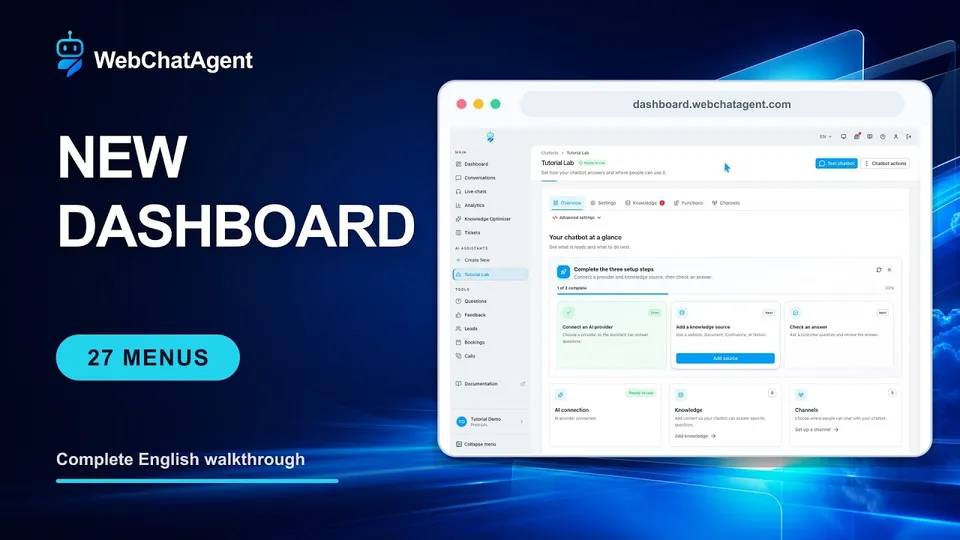
WebChatAgent dashboard tutorial: every menu explained
Click through all 27 dashboard areas and learn what each page is for, what a real record looks like and what to do next.
Открыть руководствоНачните с панели управления, добавьте свои материалы, настройте виджет и проверьте готового чатбота. Руководства показывают реальный интерфейс и результат каждой настройки.
Ваш путь обучения
Выберите тему и сразу перейдите к подходящим практическим руководствам.
Фильтр по категории
23 руководств
Click through all 27 dashboard areas and learn what each page is for, what a real record looks like and what to do next.
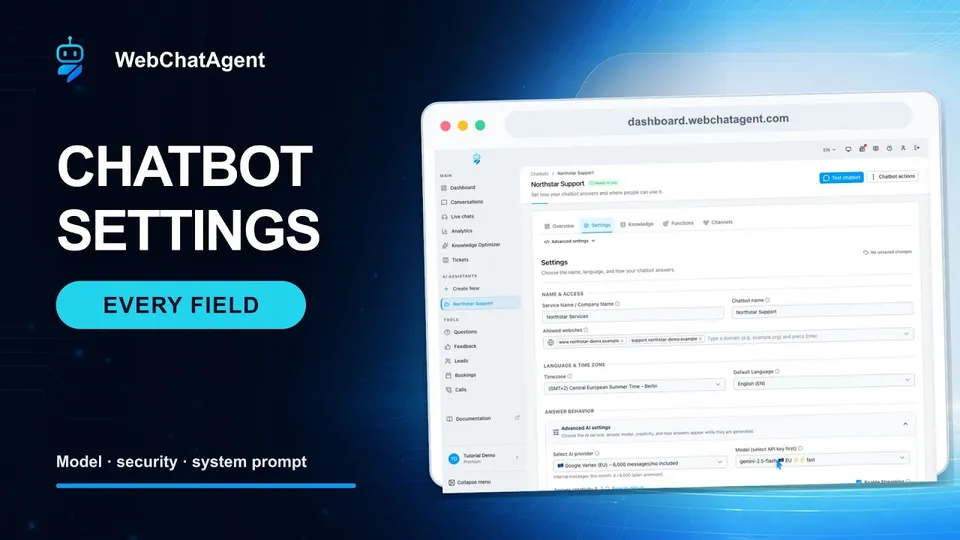
Открыть руководствоA beginner-friendly field-by-field walkthrough with a real EU-model configuration, exact domain rules and two verified answer examples.
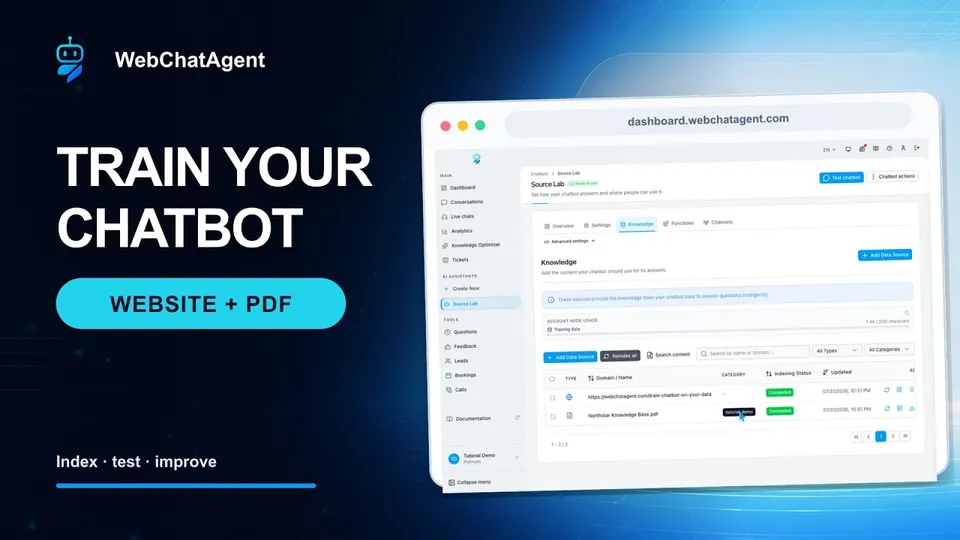
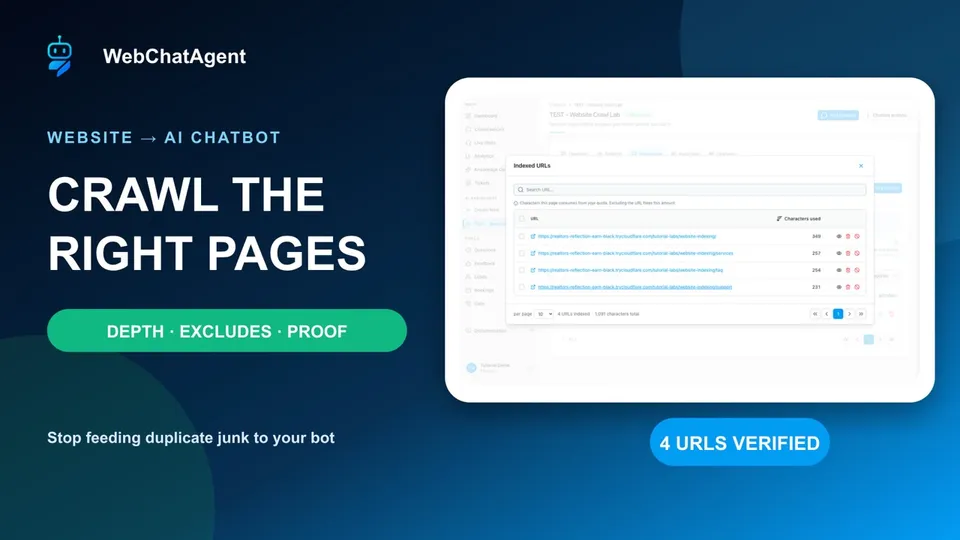
Открыть руководствоA practical beginner guide to crawling your website, uploading a PDF and verifying that your chatbot answers from both sources.
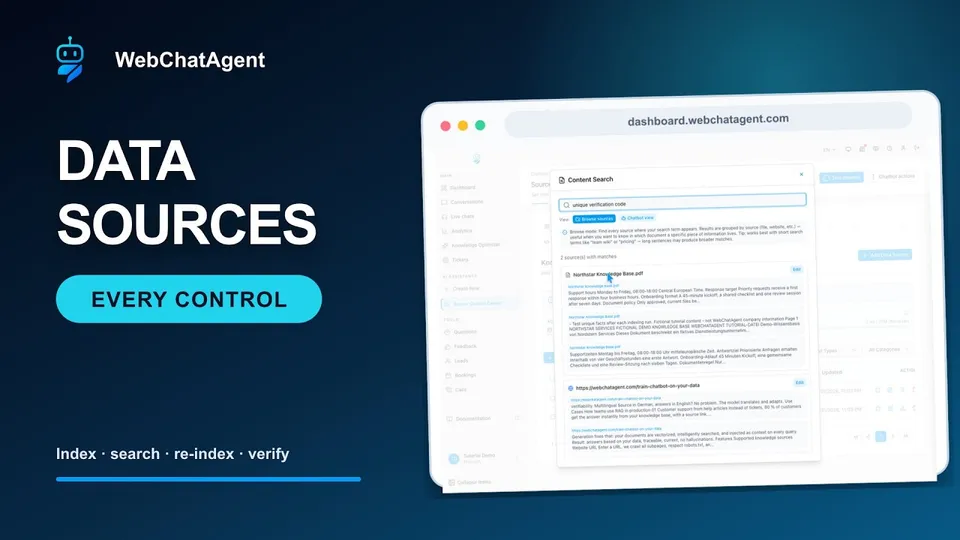
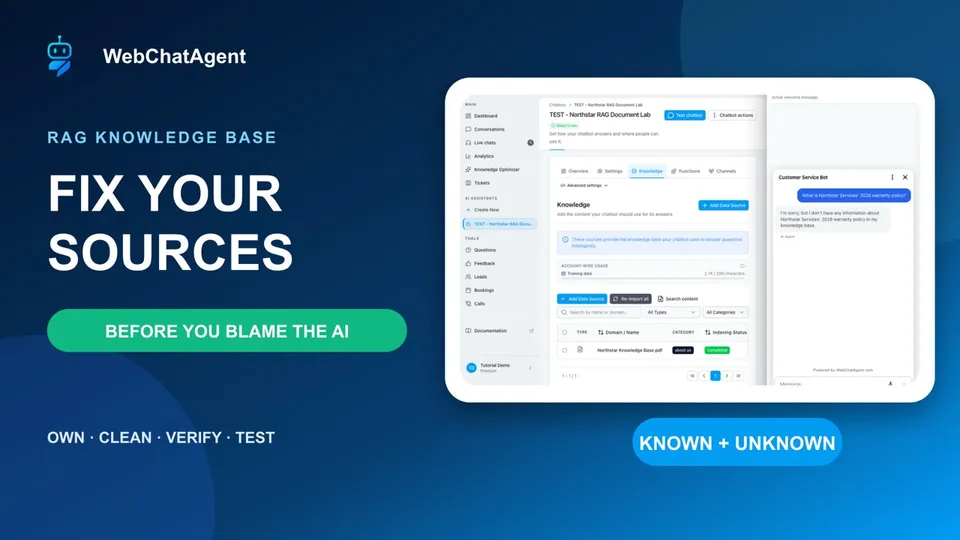
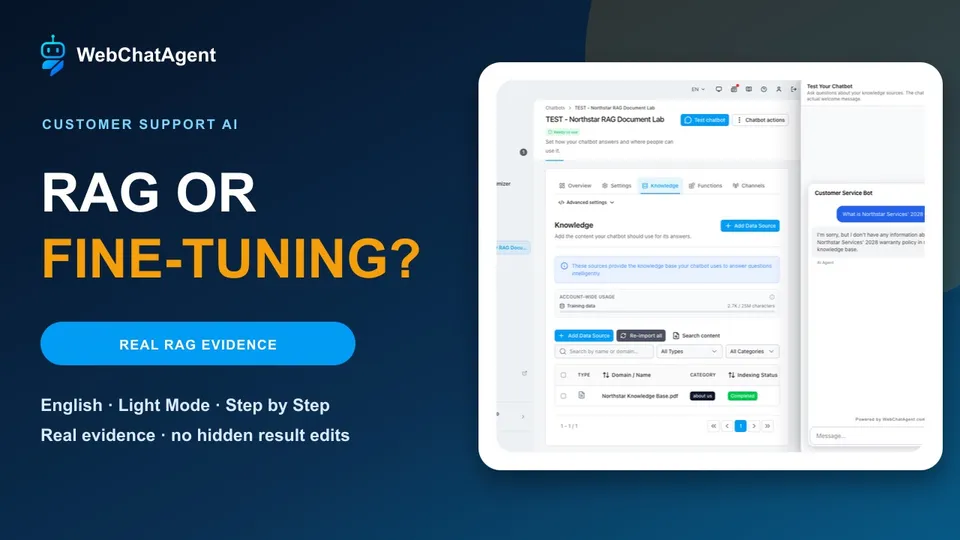
Открыть руководствоUnderstand the complete Data Sources workspace and maintain a reliable chatbot knowledge base without guesswork.
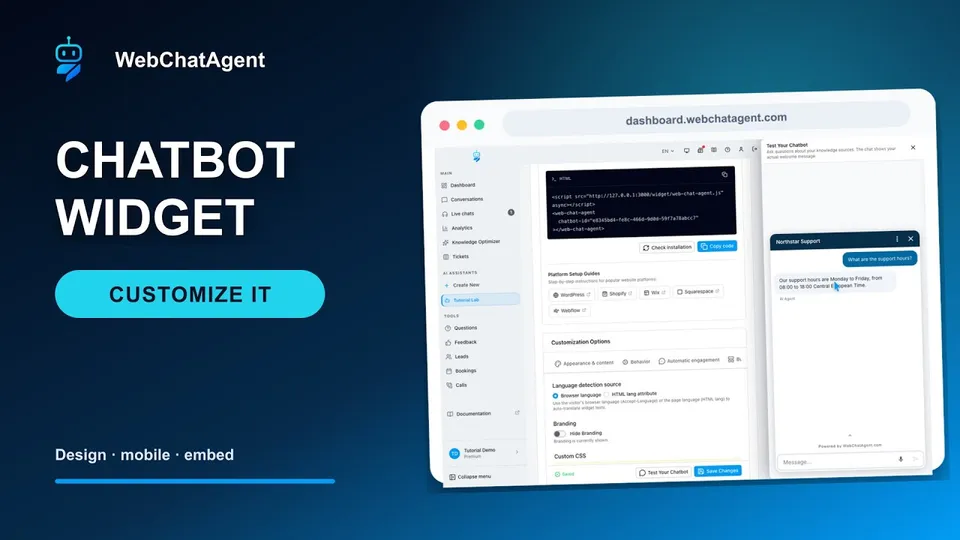
Открыть руководствоA beginner-friendly field-by-field walkthrough with a real branded preview, grounded answer and production-ready floating-widget embed.
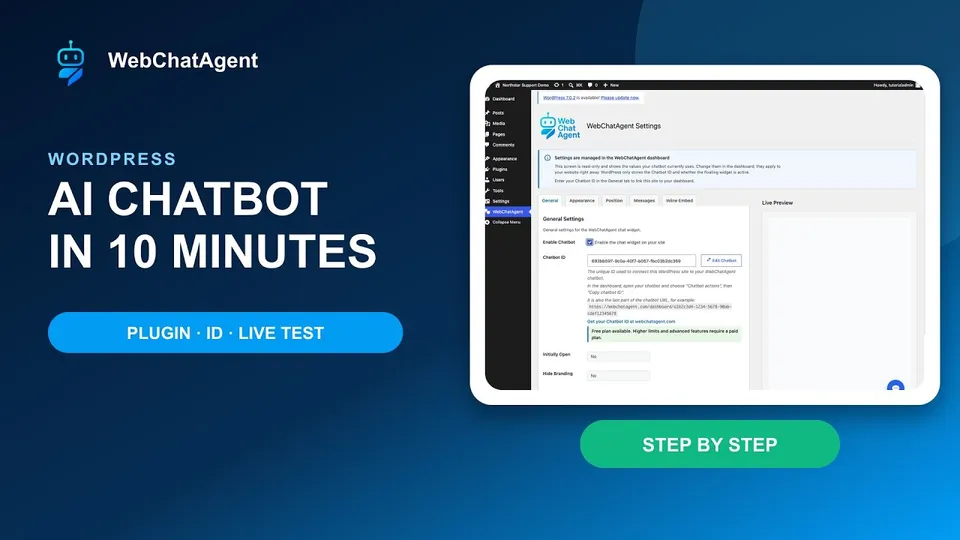
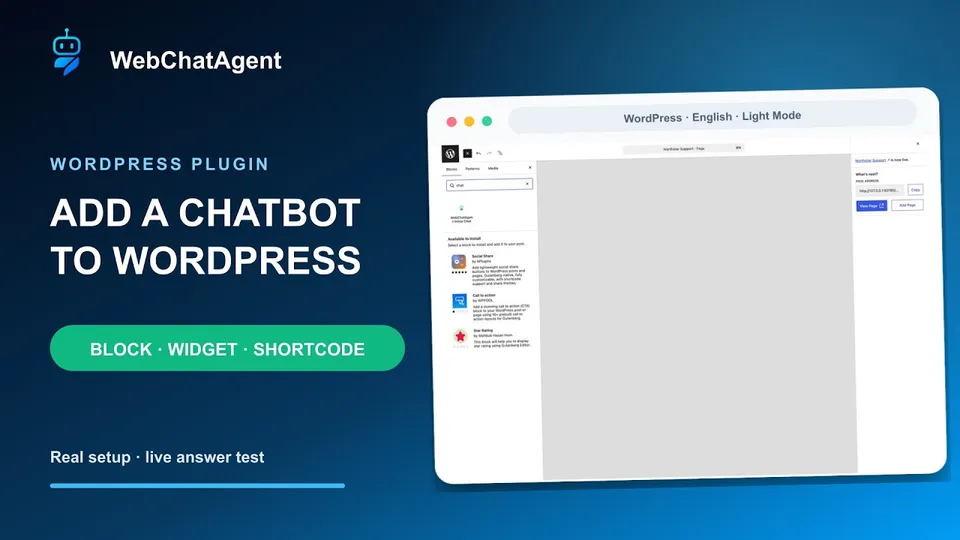
Открыть руководствоA field-by-field WordPress setup with floating and inline placement, exact domain rules, a real test question and practical cache fixes.
Открыть руководствоA detailed post-installation guide for choosing the right placement, configuring page-specific assistants and testing the complete visitor experience.
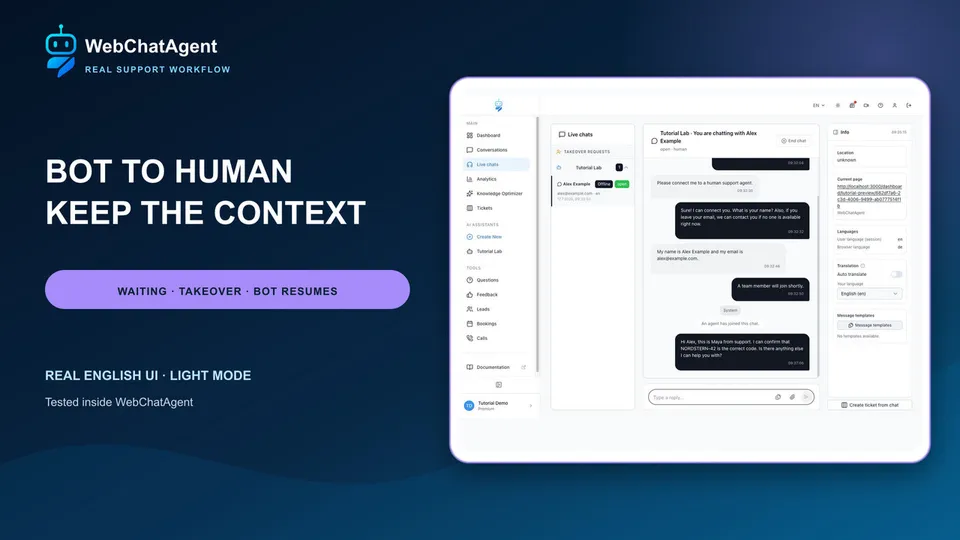
Открыть руководствоA beginner-friendly end-to-end handoff with a real visitor, full agent context, delivered reply and grounded bot answer after closure.
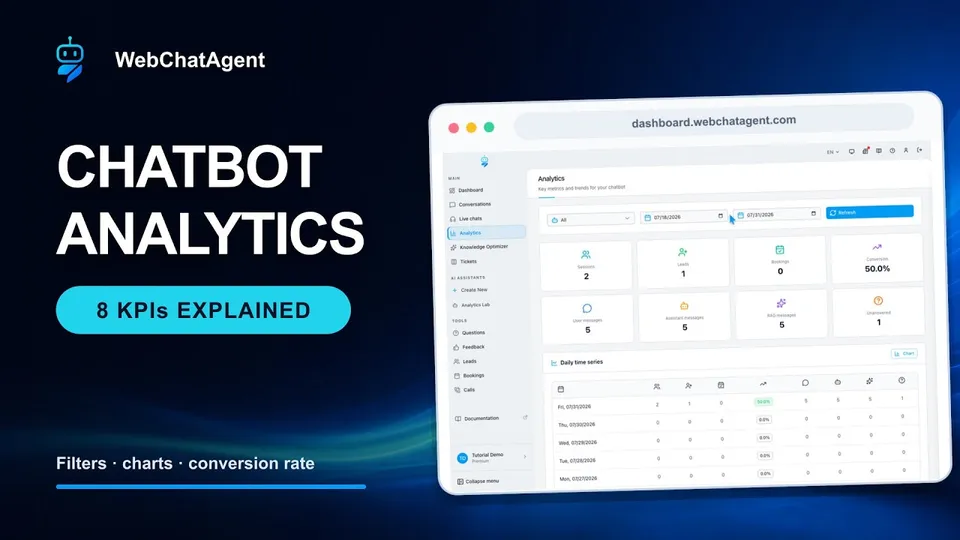
Открыть руководствоRead every analytics card correctly, reproduce the calculation and turn one signal into a useful next action.
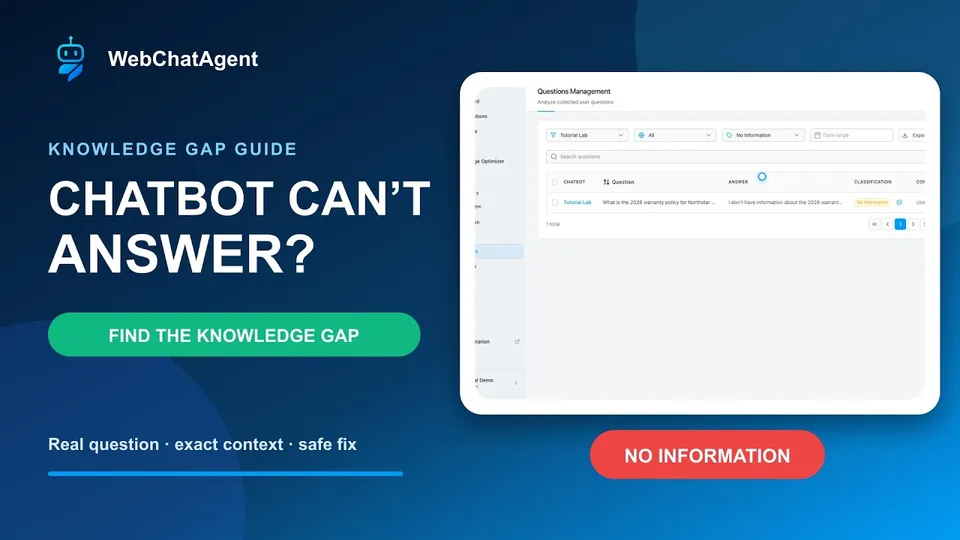
Открыть руководствоTurn real No Information questions into a prioritized, owned and repeatable knowledge-base improvement process.
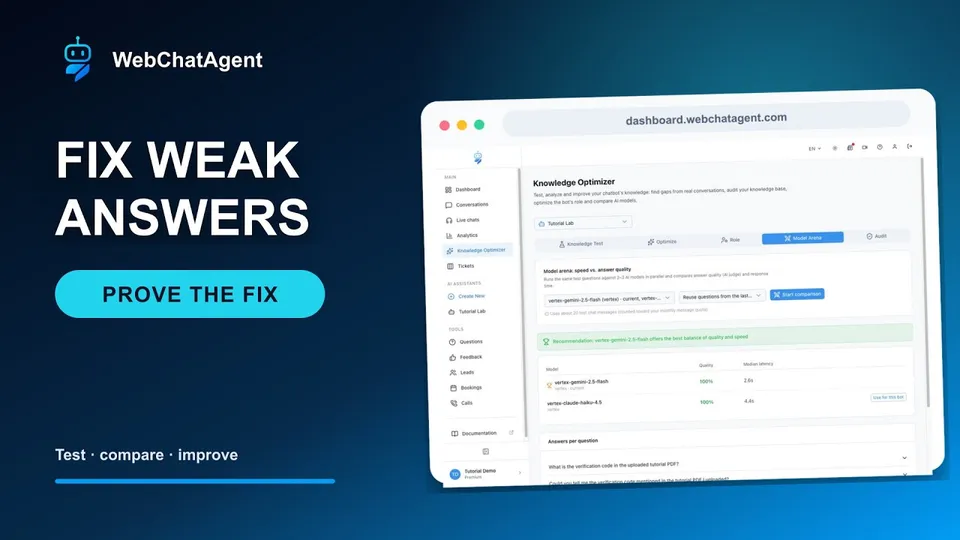
Открыть руководствоUse one fixed question set to diagnose the failing layer, make one controlled change and prove whether the answer actually improved.
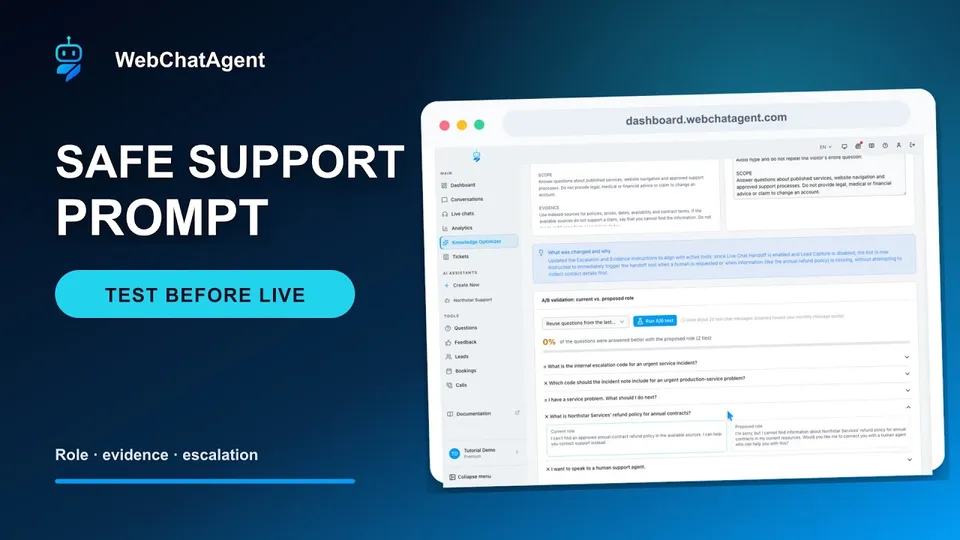
Открыть руководствоTurn a vague support persona into measurable operating instructions, then prove that it answers known facts and safely declines unsupported claims.
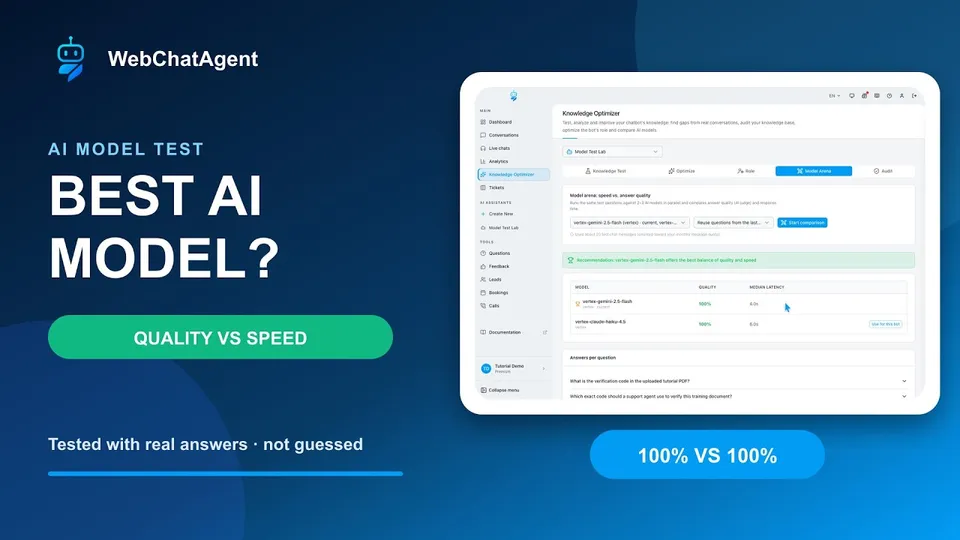
Открыть руководствоChoose a chatbot model with your own questions, a simple scorecard and real side-by-side results instead of relying on model rankings.
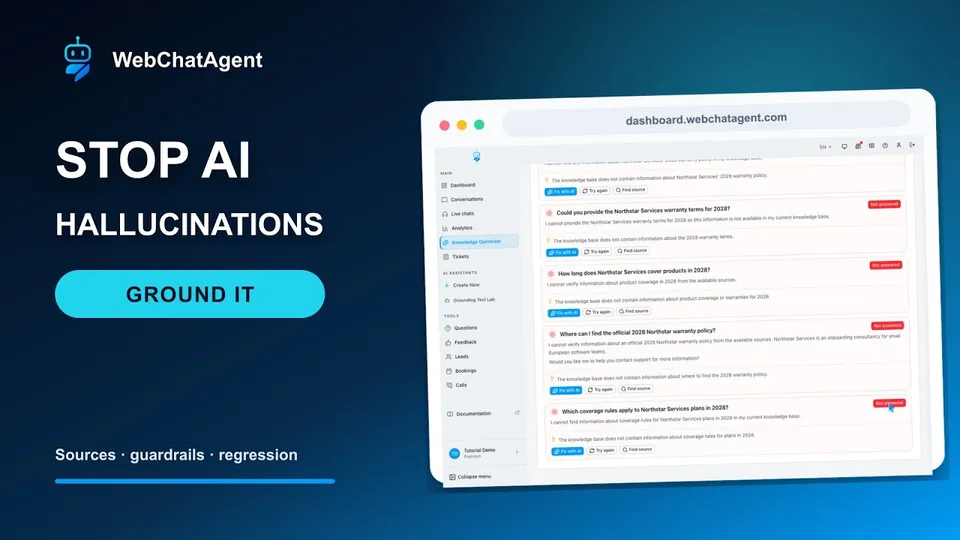
Открыть руководствоTrace one unsupported answer through active sources, extraction and retrieval checks, evidence rules and a final known-versus-unknown regression test.
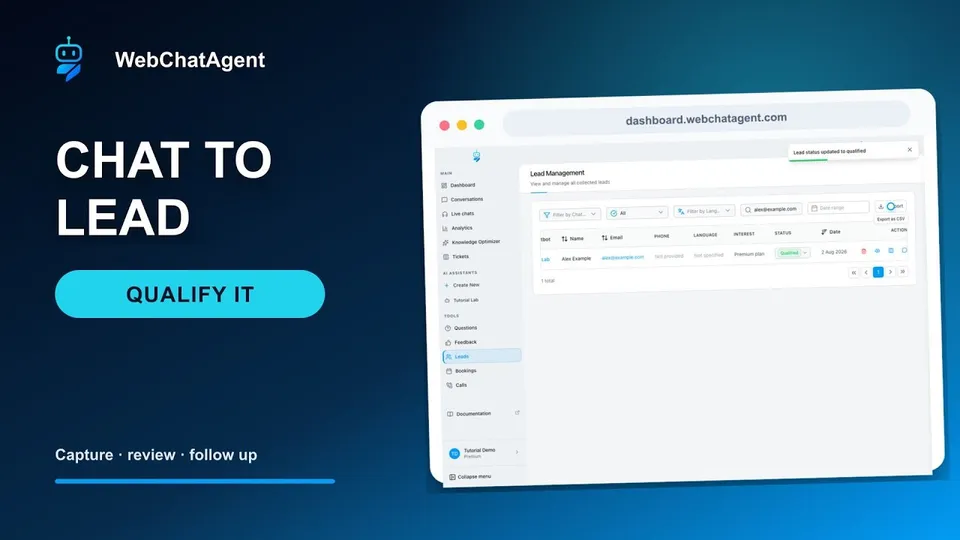
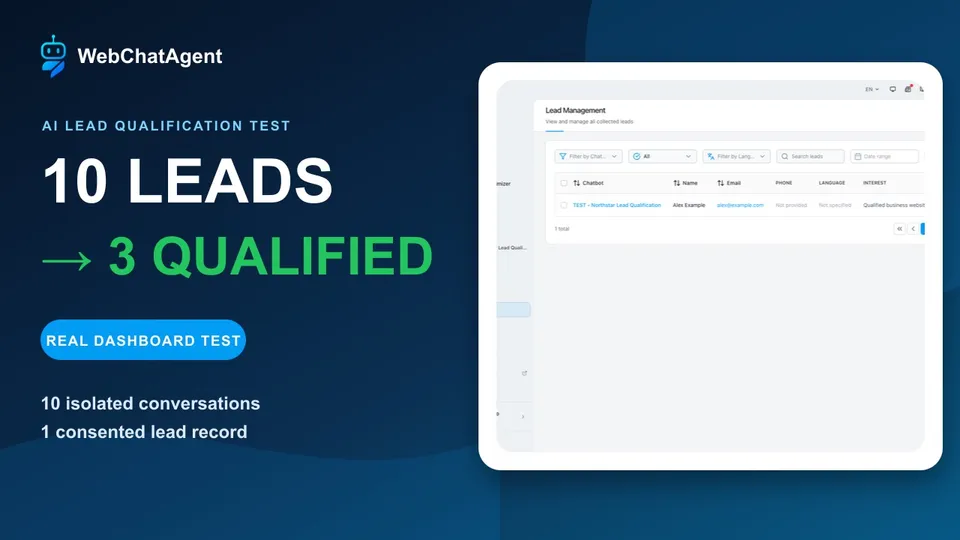
Открыть руководствоTurn high-intent conversations into an owned, privacy-conscious lead workflow—and verify the data before anybody follows up.
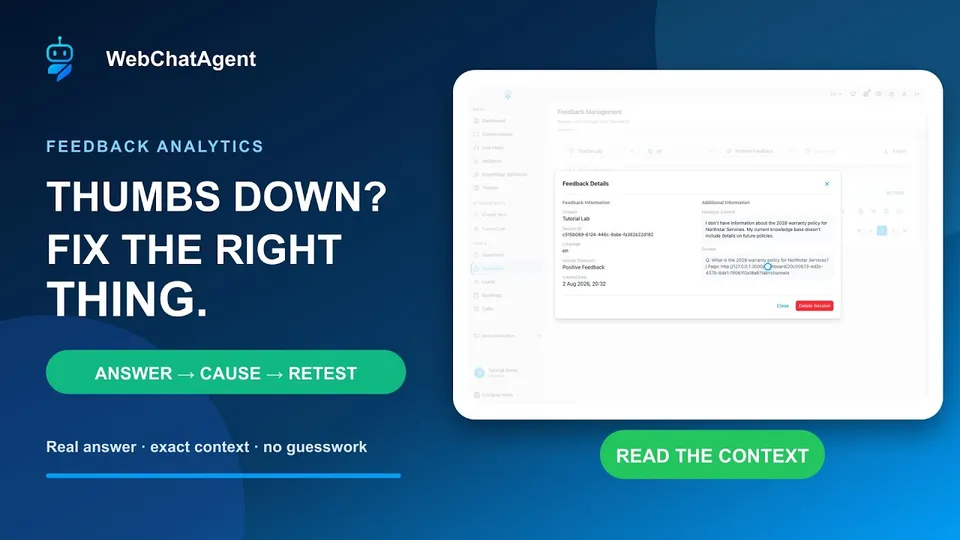
Открыть руководствоCompare one negative and one positive rating, inspect the exact answer context and retest in a fresh session—without mistaking feedback for conversion.
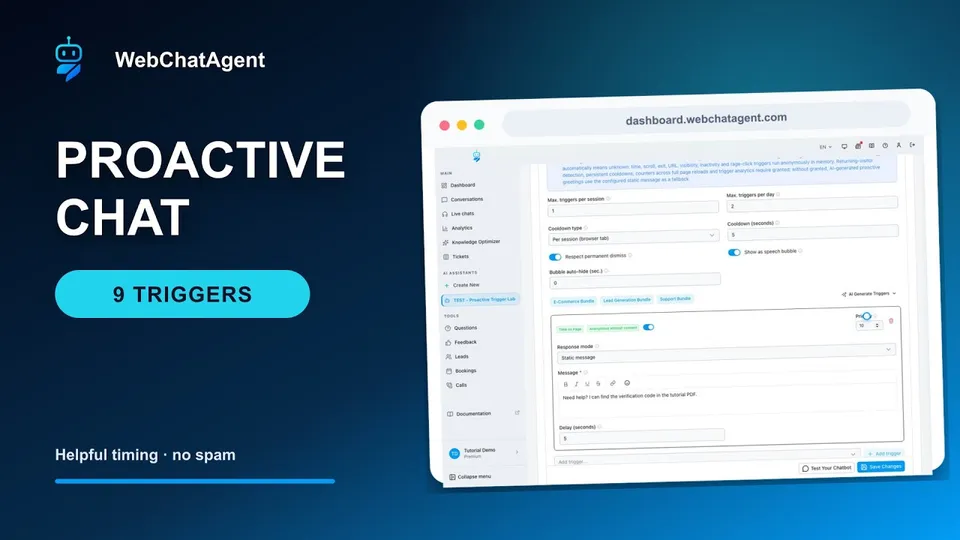
Открыть руководствоStart helpful conversations from real visitor behavior with built-in anti-annoyance controls.
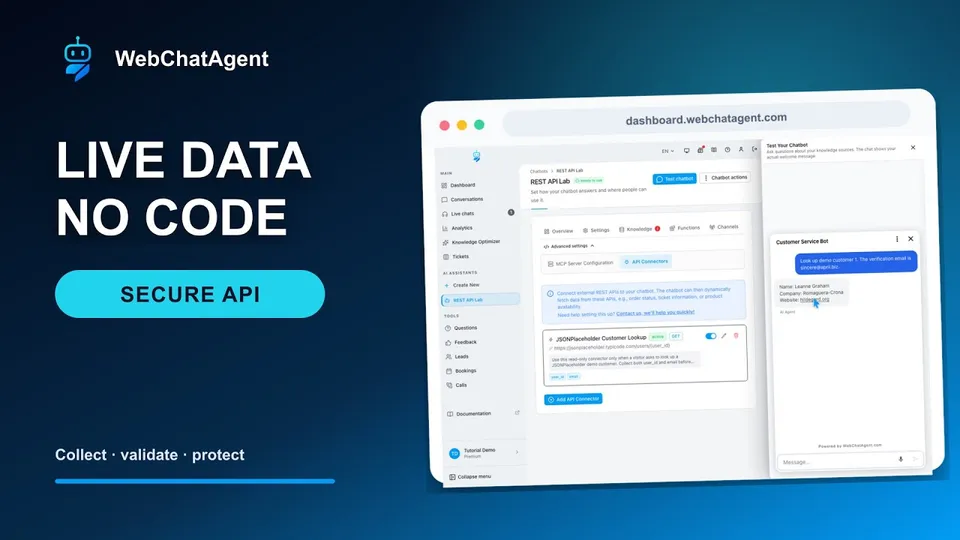
Открыть руководствоTurn one plain-English request into a reviewed REST connector, then prove that the correct email reveals only approved fields while a wrong email reveals nothing.
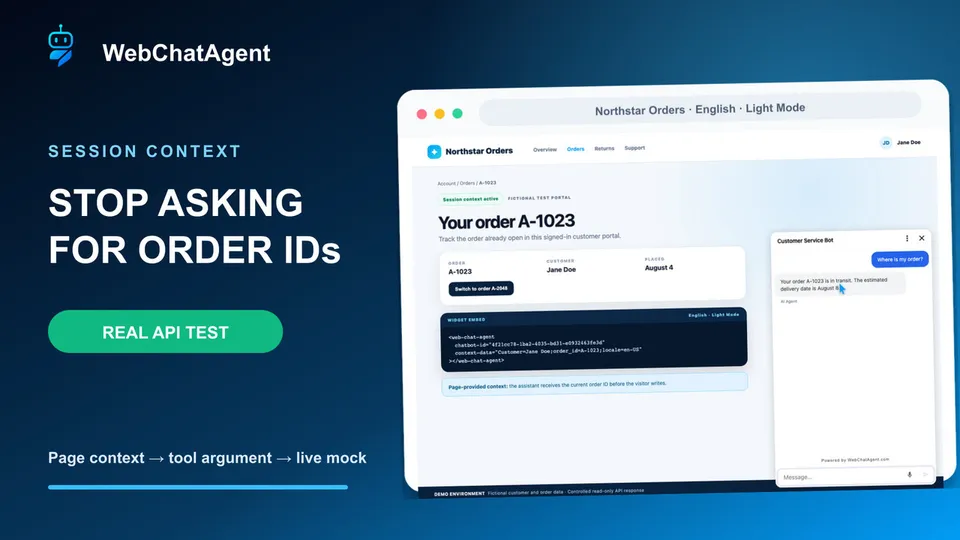
Открыть руководствоLet a signed-in order page provide the current order ID, prove the connector uses it, replace it when the visitor switches orders and secure the production pattern.
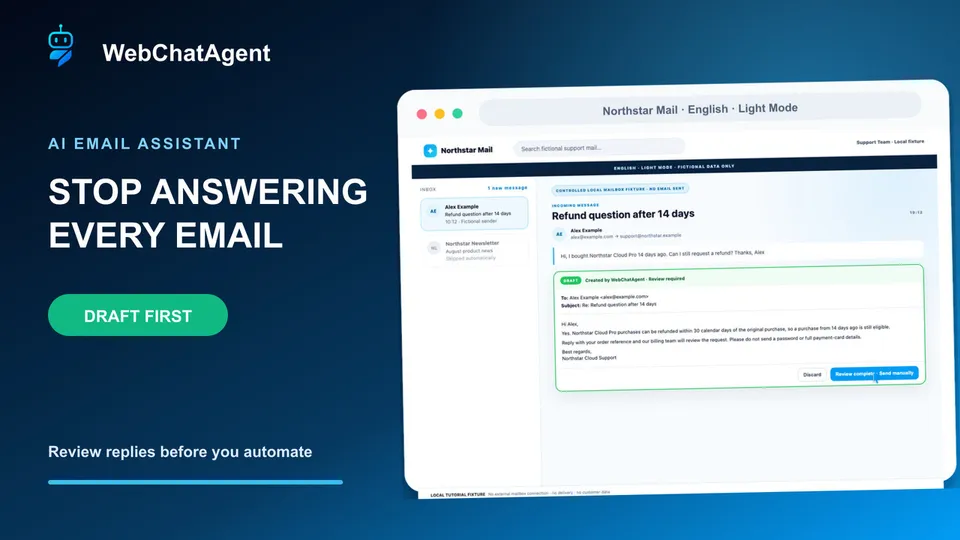
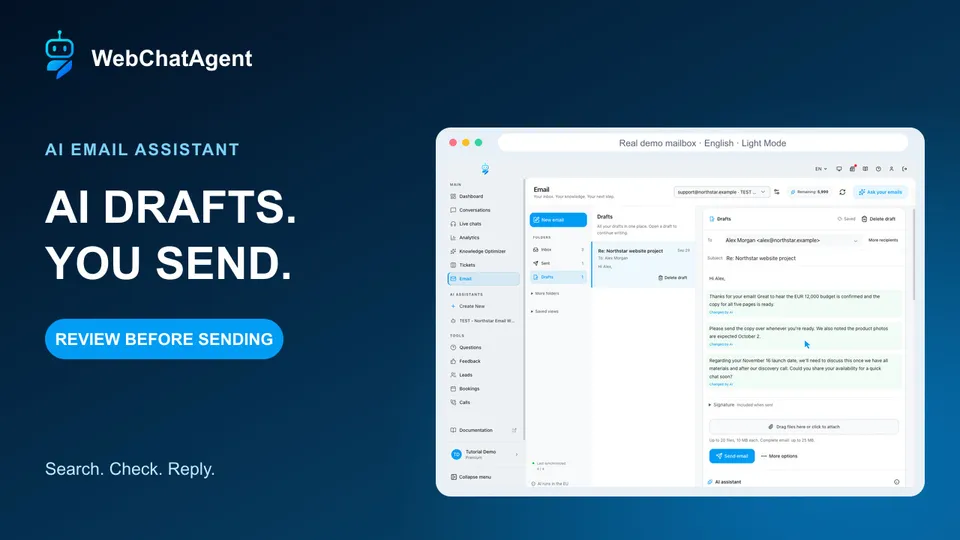
Открыть руководствоConnect a support mailbox, let AI prepare grounded email drafts and keep human review until your evidence supports narrow automation.
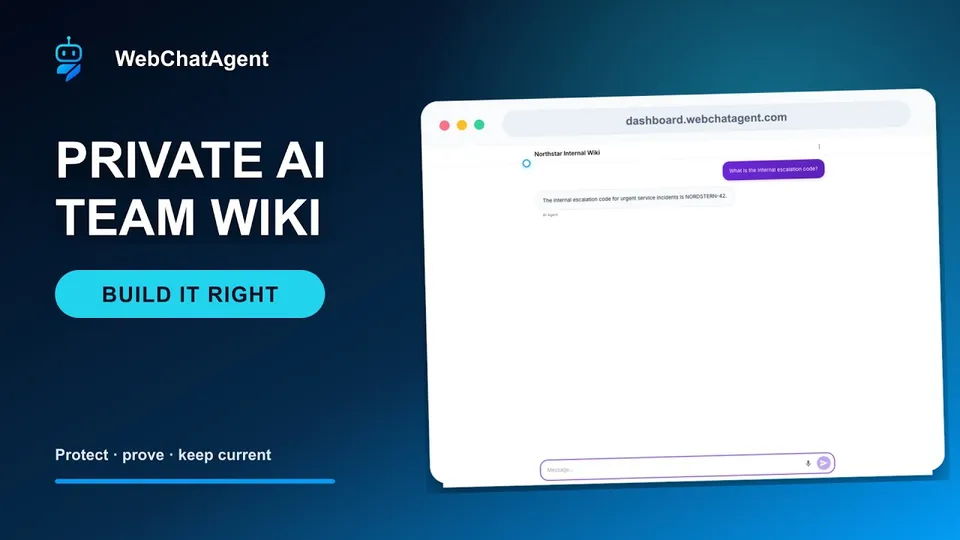
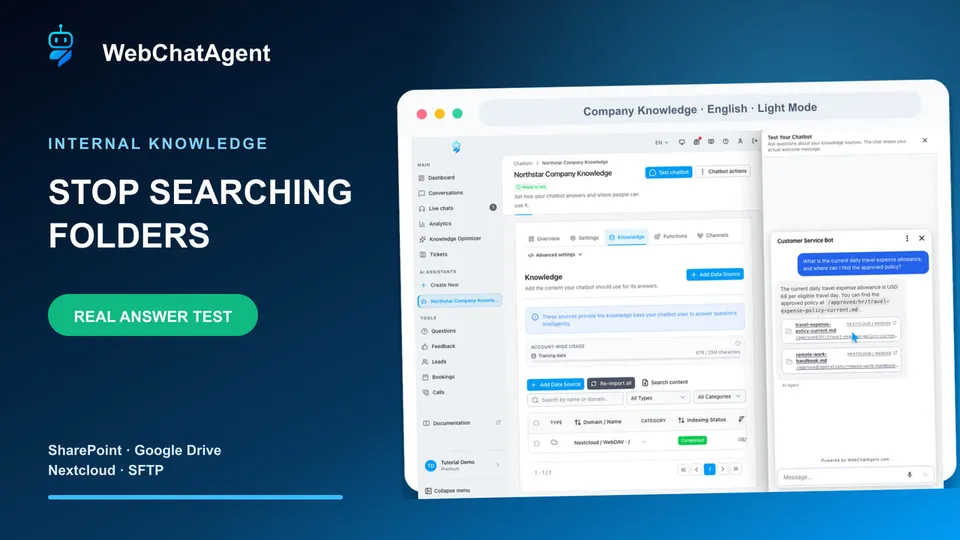
Открыть руководствоGive employees one protected place to ask questions across approved internal documents, then prove access control and answer quality before launch.
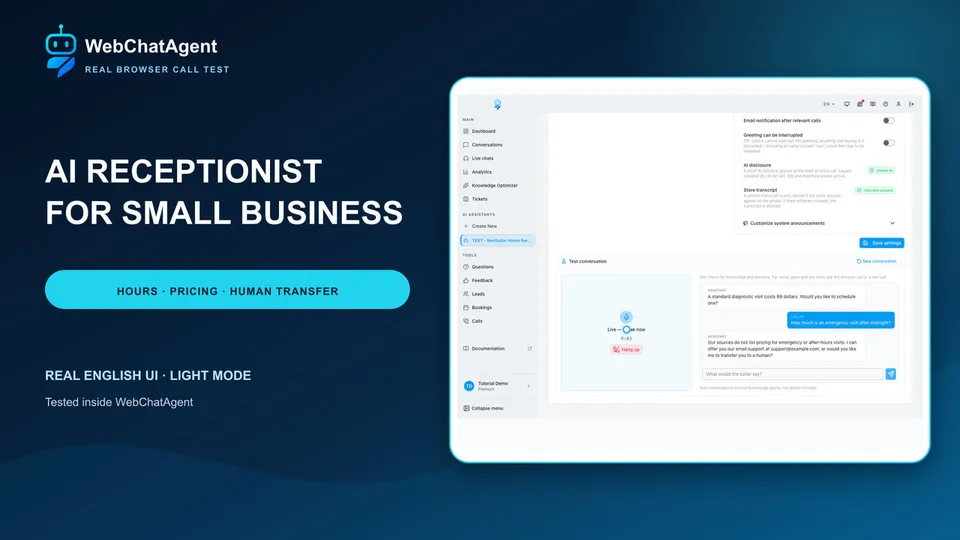
Открыть руководствоConfigure the phone channel safely, verify one real text-simulator answer and keep activation blocked until audio, consent and routing pass a controlled test.
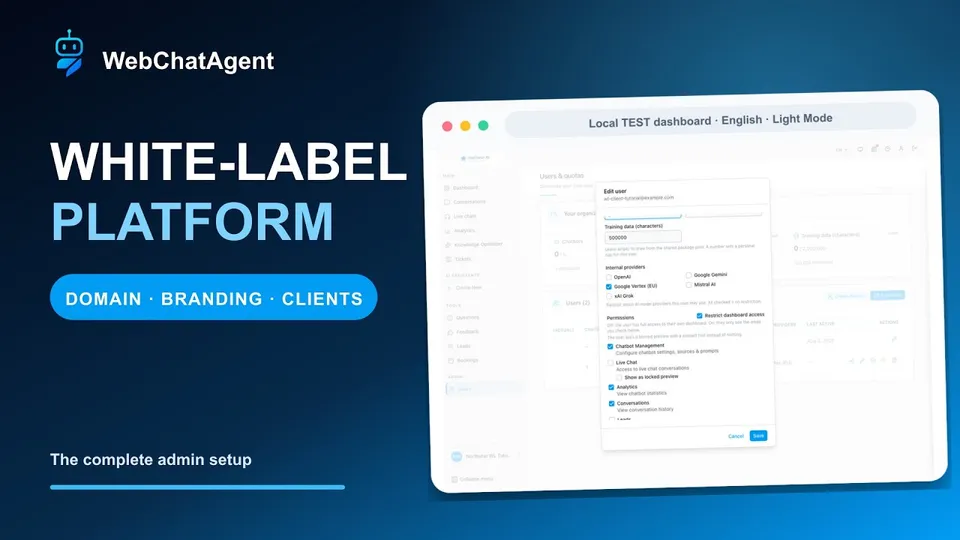
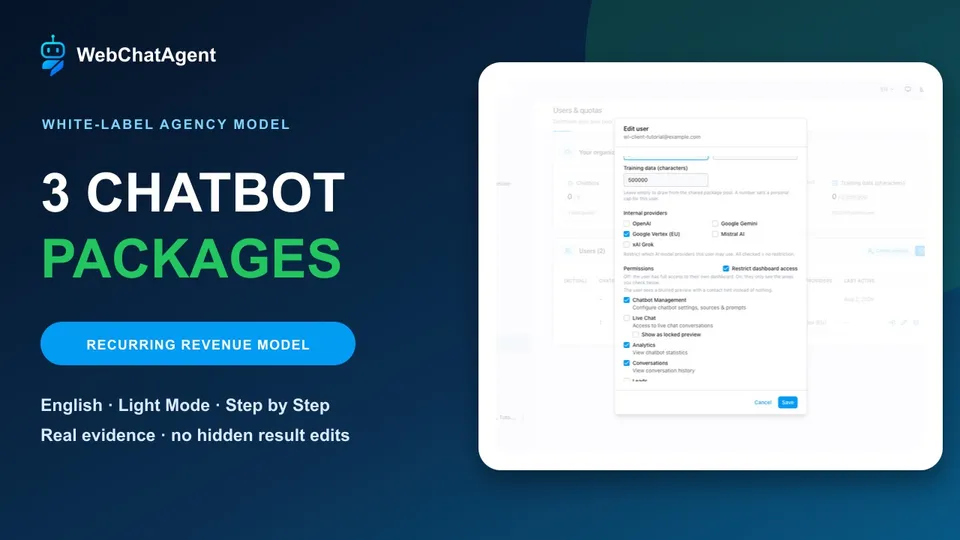
Открыть руководствоA practical WL-admin workflow from the first platform check to a safely restricted test customer, verified customer view and exact cleanup.
Открыть руководствоНачните бесплатно и повторяйте каждый шаг в своём аккаунте.