
AI Chatbot for Events & Conferences: Automate Registration & Attendee Support
Event attendees expect instant answers about schedules, speakers, and venue logistics, not a generic FAQ page. Learn how AI chatbots handle registration, provide real-time schedule updates, and keep thousands of attendees informed 24/7.
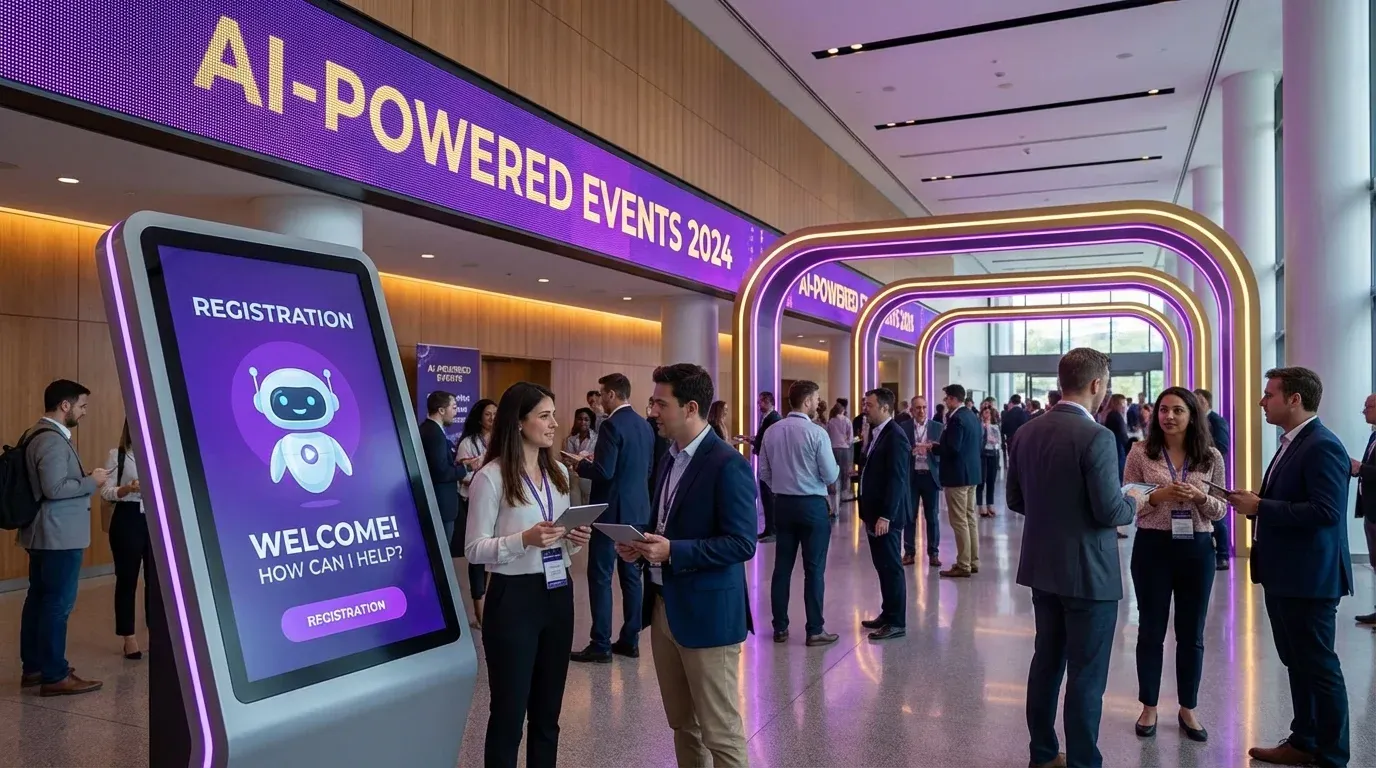
AI Chatbot for Events & Conferences
Why Events & Conferences Need AI Chatbots
Your conference has 2,000 attendees. Three days before the event, your inbox explodes: "What time does the keynote start?" "Is parking included?" "Which hotel is closest to the venue?" "Can I still switch to the VIP ticket?" The same 15 questions, asked hundreds of times. Your team of four can't keep up.
Event organizers face a unique challenge: thousands of people need the same information at the same time, and the stakes are high. A confused attendee who can't find the registration desk, misses a session, or doesn't know about the schedule change isn't just frustrated, they're unlikely to return next year.
Registration is where confusion starts. Which ticket tier includes the workshop? Is there a group discount? Can I transfer my ticket to a colleague? These questions flood in during the weeks before the event, peak on event day, and continue afterward with invoice and recording requests.
An AI chatbot handles the information overload. It answers venue questions, shares real-time schedule updates, guides attendees through registration, and provides instant support, whether it's 3 AM the night before or during the busiest session break.
Key Use Cases for Event Chatbots
Event Registration & Ticketing
- Ticket options: "What's included in the Premium pass?" "Is there an early-bird discount?" "Can I get a student rate?" Clear, instant breakdowns that drive conversions.
- Group bookings: "We're sending 10 people, is there a team discount?" Automated group pricing and invoice generation.
- Ticket transfers: "I can't attend anymore, can I transfer my ticket?" Step-by-step guidance through the transfer process.
- Registration status: "Did my payment go through?" "Where's my confirmation email?" Instant lookup and reassurance.
Schedule & Speaker Information
The program is the core of every event. The chatbot makes it instantly accessible:
- "What sessions are happening at 2 PM on Day 2?"
- "Which room is the AI workshop in?"
- "Tell me about the keynote speaker."
- "Has the panel discussion been moved?", real-time schedule change notifications.
Venue Navigation & Logistics
- "Where is the nearest parking garage?" "Is there a shuttle from the airport?"
- "What's the Wi-Fi password?" "Where is the registration desk?"
- "Are there vegetarian options at lunch?" "Where's the nearest ATM?"
- "Which hotels have partnered with the event for discounted rates?"
Exhibitor & Sponsor Support
- Booth setup times and load-in instructions
- Exhibitor floor plan and booth locations
- Lead scanning app setup guidance
- Sponsor visibility packages and upgrade options
Post-Event Follow-up
- "When will session recordings be available?"
- "Can I get a certificate of attendance?"
- "How do I access the presentation slides?"
- "When is next year's event? Can I pre-register?"
How WebChatAgent Works for Events
RAG on Your Event Data
Upload your event program, speaker bios, venue maps, FAQ documents, and exhibitor lists. The chatbot answers every question accurately from your own data, no hallucinated room numbers or wrong session times.
Calendar Integration for Sessions
Connect Google Calendar to provide real-time session schedules, enable attendees to add sessions to their personal calendar, and push instant notifications when sessions are rescheduled or rooms change.
The Benefits: Real Numbers for Events
Impact of AI Chatbots on Event Management
- Handle 1,000s of attendee questions simultaneously: No waiting, no queue, every attendee gets instant answers, even during peak registration.
- Instant schedule updates: Session moved to a different room? Speaker cancelled? The chatbot knows immediately and informs everyone who asks.
- 40% fewer support emails: Registration, logistics, and schedule questions handled automatically, your team focuses on running the event.
- Automated check-in guidance: "Where do I pick up my badge?" "Which entrance should I use?" Smooth arrivals without long queues at the info desk.
- Higher attendee satisfaction: Instant, accurate answers create a professional experience that makes attendees want to return.
- 24/7 pre-event support: Questions don't stop at 5 PM. International attendees in different time zones get answers whenever they need them.
Use Cases Across Event Types
Corporate Conferences
- Multi-track session navigation
- Networking event schedules and RSVPs
- VIP and executive track access info
- Travel and accommodation recommendations
- Invoice and expense report documentation
Trade Shows & Expos
- Exhibitor booth locations and floor maps
- Product demo schedules
- Lead scanning and badge pickup guidance
- Exhibitor setup and teardown logistics
- Sponsor package inquiries
Music & Entertainment Festivals
- Stage schedules and artist lineups
- Campsite and parking information
- Food vendor locations and menus
- Safety guidelines and medical tent locations
- Lost and found coordination
Workshops & Seminars
- Pre-requisites and materials to bring
- Session capacity and waitlist management
- Certificate and CPD credit information
- Instructor bios and expertise areas
- Follow-up resources and recordings
Getting Started in 3 Steps
Setting up WebChatAgent for your event takes less than 30 minutes.
Step 1, Upload Your Event Info
Create your free account at WebChatAgent.com and add your event program, speaker bios, venue details, FAQ documents, and exhibitor information.
Step 2, Connect Your Calendar
Integrate Google Calendar for real-time session schedules, room assignments, and instant updates when anything changes.
Step 3, Embed and Go Live
Add the widget to your event website, registration page, and attendee portal. Set a trigger: "Need help finding a session or navigating the venue? Ask me anything!"
Deliver a Seamless Event Experience
Let AI handle attendee questions, registration support, and schedule updates while your team focuses on creating an unforgettable event.